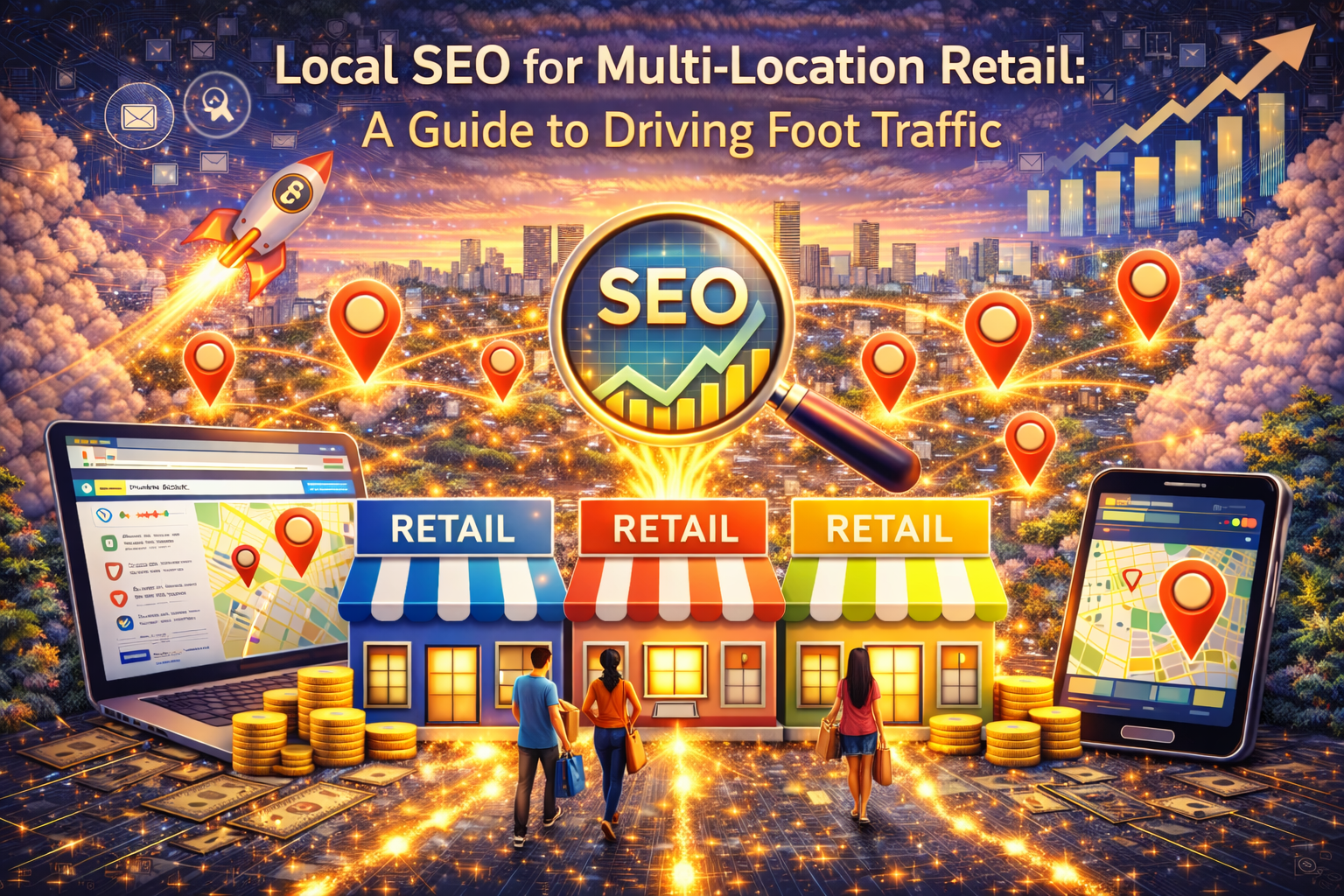
Local SEO for Multi-Location Retail: A Guide to Driving Foot Traffic
Direct answer: Local SEO for Multi-Location Retail drives foot traffic when each store matches local intent with the right location pages, Google Business Profiles, reviews, internal links, and structured data so customers and search engines trust every location.
Retail does not win on brand alone anymore. Instead, retail wins when each store shows up for “near me” and city searches at the exact moment someone feels ready to buy. Because shoppers move fast, your site must answer two questions immediately: “Can you help me?” and “Are you close?”
Many multi-location brands accidentally sabotage that moment. For example, they reuse the same store page across markets, or they publish thin location pages that fail to prove relevance. As a result, local competitors steal the click, even when your prices and inventory beat them.
This guide gives you a clear system you can apply across every store. Additionally, it shows how to track real-world results like calls, direction requests, and store visits. If you want a done-for-you build that scales to hundreds or thousands of markets, start here:
1000 Page Local Authority Lockdown.
Table of Contents
- What Local SEO for Multi-Location Retail really means
- How “near me” intent turns into foot traffic
- The first 7 fixes that create fast wins
- How to build store location pages that convert
- Internal linking that lifts every store
- Google Business Profile system for multi-location retail
- Review velocity and trust signals that matter
- Schema markup that helps AI and Google understand each store
- Local content that drives visits, not just clicks
- Citations and local links that strengthen relevance
- How to track foot traffic results correctly
- A 30-day rollout plan for retail teams
- FAQs
- Next steps
What does Local SEO for Multi-Location Retail really mean?
Direct answer: Local SEO for Multi-Location Retail means you build a repeatable system that makes every store easy to discover, easy to trust, and easy to visit when shoppers search by city, neighborhood, or “near me.”
Traditional SEO often focuses on ranking one site for one set of keywords. However, retail must win in dozens of micro-markets at the same time. Because each store serves a different area, each store needs its own relevance signals.
Local SEO for Multi-Location Retail works best when your website behaves like a clean map. Therefore, each service or product category connects to stores, and each store connects back to the core categories. As a result, search engines understand your structure, and shoppers find the closest option faster.
Google also expects helpful, people-first content. Consequently, location pages must solve real problems instead of acting like placeholders. You can review Google’s guidance here:
Google: Creating helpful, reliable, people-first content.
How does “near me” intent turn into foot traffic?
Direct answer: “Near me” intent becomes foot traffic when your store appears with clear details like hours, address, inventory cues, and trust signals that remove hesitation.
Retail search usually follows a simple path. First, a shopper feels a need. Next, they search with a city or “near me.” Then, they compare options quickly. Finally, they pick the store that looks closest, clearest, and safest.
Because of that behavior, the “last-mile” details matter. Therefore, your store pages must show:
- Exact store name and address that matches your public listings
- Hours that stay accurate and easy to scan
- Phone number that works on mobile taps
- Directions link and parking notes when relevant
- Local proof like reviews, photos, and FAQs
Google’s local ranking factors emphasize relevance, distance, and prominence. Accordingly, your system should strengthen all three:
Google: Improve your local ranking.
What are the first 7 fixes that create fast wins?
Direct answer: Fast wins come from fixing store data consistency, building better location pages, improving internal linking, tightening GBP profiles, and making tracking reliable.
Multi-location retail teams often feel overwhelmed. However, you can win quickly by fixing the foundations first. Because local search stacks evidence, consistency creates momentum.
- Standardize NAP everywhere (name, address, phone) so every store matches across pages and profiles.
- Give every store a real location page with unique local details, not a copy-paste template.
- Build a store locator hub that links cleanly to regions, cities, and store pages.
- Improve internal linking from category pages to store pages so authority flows.
- Upgrade GBP basics (categories, services, photos, hours, attributes) for each location.
- Systemize review requests so new reviews arrive consistently.
- Track calls and directions so you can prove real ROI, not just “traffic.”
If you want IMR to build these systems at scale, our enterprise framework sits inside:
1000 Page Local Authority Lockdown.
Additionally, when you want AI-ready visibility in the same rollout, explore:
Generative Engine Optimization (GEO).
How do you build store location pages that convert?
Direct answer: Store location pages convert when they answer local questions fast, show clear shopping details, and connect shoppers to the next step without friction.
Many retail brands publish location pages that only show an address and hours. Unfortunately, that approach wastes the biggest opportunity: local intent wants local answers. Therefore, your page must feel “real” to the market.
What should every store page include?
Direct answer: Every store page should include core store info, local proof, local FAQs, and links to nearby categories and services.
- Store name and a short “who we help here” summary
- Full address, phone, hours, and service-area notes
- Top categories sold at this location, linked to category pages
- “What to expect” section (pickup, returns, appointments, same-day options)
- Local FAQs based on what shoppers ask in this market
- Nearby landmarks and parking notes when helpful
- Trust signals like reviews, policies, and staff expertise notes
How do you keep store pages unique at scale?
Direct answer: You keep store pages unique by requiring market-specific blocks that change by location, such as neighborhood coverage, pickup details, and local FAQs.
Uniqueness does not require fancy writing. Instead, it requires unique inputs. Therefore, collect these store-specific details:
- Primary service area (cities, neighborhoods, zip codes)
- Local shopping behaviors (weekend rush, seasonal demand, peak times)
- Inventory cues (top categories shoppers buy in that market)
- Local objections (returns, wait time, financing, pickup rules)
Once you enforce those blocks, your pages stop feeling generic. Consequently, conversion rate improves because shoppers trust the match.
What internal linking system lifts every store?
Direct answer: The best internal linking system connects category pages, region hubs, and store pages so authority flows from strong pages to revenue pages.
Internal linking creates compounding results. Therefore, you should treat links like roads that connect your retail map. Because search engines learn page relationships through links, structure matters.
Google explains internal links here:
Google: Internal links documentation.
Use this linking blueprint:
- Category pages link to top stores in the markets that sell that category the most.
- Store pages link back to categories that shoppers want locally, not every category on the site.
- Region or state hubs link to store pages to create hierarchy clarity.
- Blogs link to store pages when the blog solves a local retail question.
- Store pages link to nearby stores when a shopper might compare options.
IMR builds these networks as part of:
Local Authority Services.
Meanwhile, if you want paid traffic to support the same landing structure, we also align paid campaigns through:
PPC Management.
How should multi-location retail manage Google Business Profiles?
Direct answer: Multi-location retail should manage GBP with consistent categories, accurate hours, steady photos, and a review system that keeps every store trusted.
GBP still drives a huge portion of retail discovery. However, GBP alone rarely scales your full search footprint. Therefore, your website and GBP must reinforce each other.
Use this GBP checklist for each store:
- Primary and secondary categories that match what shoppers search
- Accurate hours, including holiday updates
- Store photos that show exterior, interior, and product categories
- Attributes like wheelchair access, pickup options, or appointment availability
- Products or services listed when relevant and supported
- Regular posts for promotions and seasonal highlights
Because local ranking depends on relevance and prominence, GBP optimization supports the same goal as your location pages. Consequently, your system wins when GBP and your site tell the same story.
How do reviews and trust signals drive foot traffic?
Direct answer: Reviews drive foot traffic because shoppers use them as “risk reduction,” especially when they choose between similar stores nearby.
People do not trust ads first. Instead, they trust social proof. Therefore, reviews often decide which store earns the visit. Because multi-location retail varies by team and service, each store needs its own review velocity.
Use this review system:
- Ask at the right moment (after purchase, after pickup, after support win).
- Make it easy with one direct link per store.
- Respond to reviews so shoppers see active management.
- Turn objections into FAQs on the store page based on review themes.
Additionally, add trust signals on store pages that support decision-making:
- Returns policy summary in plain language
- Pickup and delivery clarity so shoppers know what to expect
- Financing or payment options when relevant
What schema markup helps Google and AI understand each store?
Direct answer: Schema markup helps by making your business identity, page purpose, and content structure machine-readable, which supports clearer local interpretation and stronger AI extractability.
Schema does not replace quality content. However, it removes ambiguity. Therefore, schema becomes even more important at scale because you publish many similar pages and posts.
Use structured data that supports retail interpretation:
- Organization to confirm brand identity and contact details
- WebSite to connect publisher signals
- ProfessionalService to clarify service categories your brand offers
- WebPage + BlogPosting to define the content entity
- BreadcrumbList to show hierarchy
- FAQPage to provide extractable answers
- SpeakableSpecification to support voice-ready excerpts
Google’s structured data overview:
Google: Structured data overview.
Schema.org reference:
Schema.org: Getting started.
What local content drives visits, not just clicks?
Direct answer: Local content drives visits when it answers local shopping questions, supports local events, and links directly to store pages and relevant categories.
Retail content often chases generic keywords. Meanwhile, local shoppers ask practical questions. Therefore, content should match real purchase behavior. Because you want foot traffic, you should publish content that supports “decision” moments.
Use these retail content types:
- Local buying guides (best options for the season in a specific city area)
- Store-specific FAQs (pickup times, returns, appointments, product support)
- Event pages (in-store demos, grand openings, seasonal promotions)
- Neighborhood highlights (where shoppers come from and why that matters)
Then, connect that content to your conversion assets. For example, link the guide to a category page and to the nearest store pages. As a result, shoppers and crawlers both understand the relationship.
If you want a single system that blends SEO, GEO, and conversion strategy, IMR also supports:
Full Service Digital Marketing.
How do citations and local links strengthen store visibility?
Direct answer: Citations and local links strengthen visibility by confirming your store’s real-world presence and by increasing prominence signals in local algorithms.
Citations still matter because they confirm consistency. Therefore, each store should maintain accurate listings on key platforms. Because wrong addresses destroy trust, accuracy becomes non-negotiable.
Use this citation approach:
- Fix core listings first (major data aggregators and high-visibility directories).
- Audit duplicates and remove or merge them.
- Match your store page and GBP data exactly.
Local links help too. For example, sponsorships, local partnerships, and community pages can create relevant links. As a result, each store looks more embedded in its community. Because you should avoid spam, focus on real relationships instead of link schemes.
How do you track foot traffic results correctly?
Direct answer: Track foot traffic by combining GBP insights, call tracking, direction requests, and conversion reporting so you connect local search activity to store outcomes.
Traffic alone does not prove success. Instead, retail needs “store actions.” Therefore, your tracking must match what shoppers do before they visit.
Track these signals by store:
- Calls from the site and from GBP
- Direction requests from GBP
- Clicks to store pages and engagement on those pages
- Form submissions when appointments or holds exist
- Coupon redemptions when you run local promos
Google Ads can also measure store visit conversions in eligible setups. If you use paid support, you can review Google’s store visits concept here:
Google Ads: About store visit conversions.
Because measurement drives budget decisions, tracking accuracy protects your program. Consequently, you avoid chasing vanity wins while missing real revenue.
What is a 30-day rollout plan for multi-location retail teams?
Direct answer: A 30-day rollout works when you fix store data first, launch upgraded location pages next, and then scale internal linking and reviews across the network.
Days 1–7: Audit NAP consistency, fix major listing errors, and confirm each store has a GBP plan.
Days 8–15: Launch or rebuild store pages using a template with required uniqueness blocks. Next, add internal links from categories and region hubs.
Days 16–23: Improve GBP photos, categories, attributes, and post cadence. Then start a review request system by store.
Days 24–30: Track store actions, identify top converting markets, and expand the same structure into the next tier of stores.
If you want to skip the slow build and deploy at enterprise scale, start here:
1000 Page Local Authority Lockdown.
FAQs
Does Local SEO for Multi-Location Retail require a page for every store?
Direct answer: Yes, because each store needs a dedicated page to match local intent and to confirm accurate store details.
Do store pages help “near me” searches?
Direct answer: Yes, because strong store pages reinforce relevance signals that support local visibility and shopper confidence.
Should we focus on GBP or the website first?
Direct answer: You should improve both, because GBP and your site reinforce each other and create stronger trust signals together.
What is the fastest way to scale without losing quality?
Direct answer: The fastest way is a governed template with required uniqueness blocks, supported by internal linking and consistent schema.
Next steps
Direct answer: To win, standardize store data, build high-quality store pages, connect everything with internal links, and reinforce trust through GBP, reviews, and schema.
Multi-location retail wins when it treats each store like a real local market. Therefore, build your system so every store shows up, looks trustworthy, and converts fast. Because your network already has scale, you can outpace local competitors once your structure stays consistent. Consequently, you stop losing foot traffic quietly and start capturing it predictably.
If you want IMR to build the entire system for you, start with:
1000 Page Local Authority Lockdown.
Additionally, if you want AI-ready optimization layered into the same framework, explore:
Generative Engine Optimization (GEO).
Author
Infinite Media Resources Strategy Team builds scalable local authority systems for franchises and multi-location brands. We focus on location page architecture, internal linking, and structured data so every store earns more calls, direction requests, and in-store visits. To deploy a done-for-you program at scale, explore:
1000 Page Local Authority Lockdown.
About the author : Anthony Paulino