
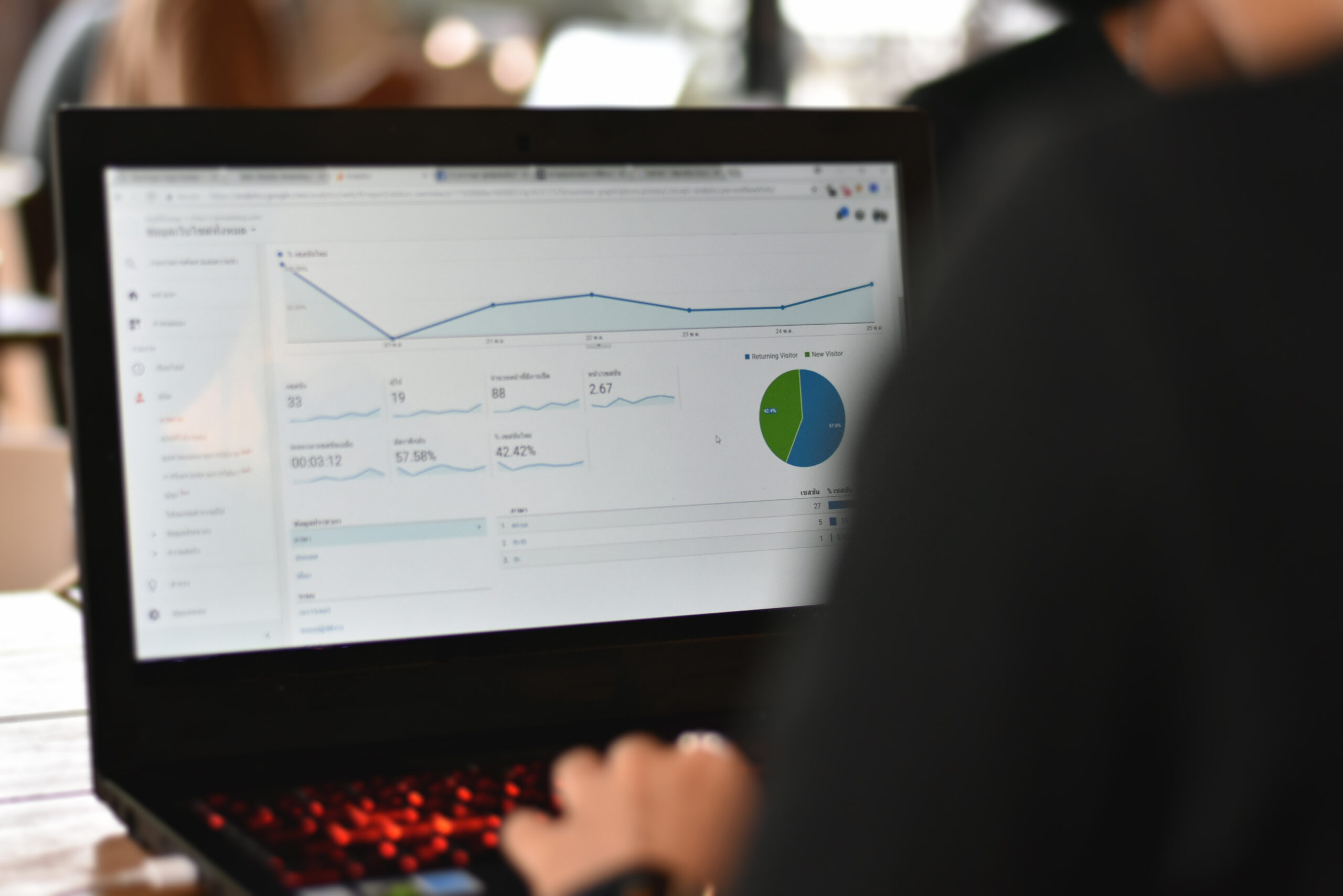
GA4 Setup for SEO Success and Event Tracking
GA4 helps you connect SEO work to real outcomes. However, you only get value when you configure events and conversions correctly. Therefore, this guide shows a practical GA4 setup for SEO success and event tracking that teams can implement step by step.
You will configure key events, mark conversions, and build basic funnels that explain what happens after the click. As a result, SEO reporting becomes actionable, not just a traffic chart.
URL strategy: keep analytics spokes grouped under SEO analytics — https://infinitemediaresources.com/search-engine-optimization/seo-analytics/ga4-setup/
What You Will Learn
This guide shows how to set up GA4 for SEO success and event tracking in a clean, repeatable way. First, you will confirm installation and data quality. Next, you will configure events and conversions that represent outcomes. Then you will build simple funnels that explain user behavior after organic clicks.
In addition, you will learn how to report on landing pages, form submissions, and phone calls. Consequently, you can connect SEO work to revenue signals and make smarter optimization decisions.
GA4 Foundations for SEO Tracking
GA4 measures user behavior through events. Therefore, SEO tracking improves when you define which events represent progress toward a goal. Meanwhile, SEO reporting improves when you can isolate organic sessions and compare them to other channels.
Before you add anything advanced, confirm these fundamentals:
- You have one GA4 property per site experience, not per department.
- Your data stream matches your live domain and primary protocol.
- Internal traffic filtering exists, so staff clicks do not pollute reports.
- Conversions represent real outcomes, not vanity actions.
GA4 setup documentation is here: Set up Analytics for a website and/or app.
Install and Validate GA4 Correctly
Correct installation prevents weeks of confusion. Therefore, validate data the same day you install.
Option A: Install GA4 with Google tag
Use the Google tag on every page. Then confirm that page views and session sources appear in real time. Google’s guide is here: Install the Google tag.
Option B: Install GA4 with Google Tag Manager
Tag Manager gives you cleaner control. In addition, it helps you manage event tracking without code changes. The official Tag Manager overview is here: About Google Tag Manager.
Validate with realtime and DebugView
After installation, open GA4 Realtime and confirm traffic from your device. Next, use DebugView to confirm events fire as expected. Consequently, you avoid “silent failure” setups. DebugView help is here: DebugView in GA4.
Set internal traffic filtering
Internal clicks can distort SEO conversion rate. Therefore, define internal traffic by IP and apply a filter after testing. Guidance is here: Define internal traffic.
Define Key SEO Events That Matter
SEO success depends on what users do after landing. Therefore, events should reflect meaningful progress. Start with a small set. Then expand when you trust your data.
Recommended baseline events for SEO
- form_submit or generate_lead for lead actions.
- click_to_call for phone intent.
- email_click for contact intent.
- scroll (optional) for engagement, not conversion.
- view_item, add_to_cart, purchase for ecommerce paths.
Use consistent naming
Consistent naming prevents reporting chaos. Therefore, use lowercase, underscores, and stable parameters. GA4 event naming guidance is here: Event naming rules.
Use parameters that improve SEO analysis
Parameters add context. For example, pass page_type, form_id, or lead_type. Consequently, you can diagnose which templates and offers drive organic outcomes.
Mark the Right Conversions
Conversions should represent outcomes that matter to the business. Therefore, avoid marking every engagement event as a conversion. Instead, mark actions that indicate revenue intent or purchase completion.
Common SEO conversions for lead gen
- Form submission success event.
- Phone call click on mobile.
- Appointment booking confirmation page view.
Common SEO conversions for ecommerce
- Purchase event with revenue.
- Qualified checkout step completion.
GA4 conversion setup help is here: Mark events as conversions.
Keep conversion lists short and stable
Stable conversions protect trend analysis. Therefore, change conversion definitions carefully and document every update. Consequently, reporting stays trustworthy for leadership.
Build Basic Funnels for Organic Traffic
Funnels help you understand drop-off. Therefore, they make SEO improvements more targeted. GA4 offers funnel exploration, which you can tailor to organic traffic.
Example funnel for SEO lead generation
- Landing page view (organic session)
- Engaged session or key content interaction
- Form start or CTA click
- Form submit
- Thank you page or conversion event
Example funnel for SEO ecommerce
- Landing page view (organic)
- View item
- Add to cart
- Begin checkout
- Purchase
GA4 funnel exploration guidance is here: Funnel exploration.
Landing Page Reporting That Ties to Outcomes
SEO wins start on landing pages. Therefore, you need landing page reporting tied to conversions, not just sessions.
Actionable landing page view
In GA4, use Landing page reports and then add conversions as a metric. Next, filter by session source/medium to isolate organic. Consequently, you can see which SEO pages actually produce leads or sales.
Build a clean “Organic SEO” comparison
Create a comparison where session default channel group equals Organic Search. Then reuse it across reports. Therefore, every chart stays aligned.
Use Search Console integration when available
Search Console and GA4 serve different purposes. However, linking them can help align page performance with query trends. Guidance is here: Search Console linking in GA4.
Form Tracking for SEO Leads
Forms often drive SEO ROI. Therefore, form tracking must be reliable.
Option 1: Thank you page tracking
If your form redirects to a unique thank you page, track that page view as a conversion event. This setup stays simple. Consequently, it fails less often.
Option 2: Event-based tracking with Tag Manager
If you use AJAX forms, track a submit success event. Then pass parameters like form_id and lead_type. Therefore, reporting stays detailed.
Validate with test submissions
Test from multiple devices and browsers. In addition, confirm events appear in DebugView. Consequently, you prevent “false success” dashboards.
Phone Call Tracking for SEO
Phone calls can be the most valuable SEO conversions for service businesses. Therefore, track call intent clearly.
Track click-to-call events
Track taps on tel: links as click_to_call. Then mark it as a conversion if calls are a primary goal. Consequently, SEO pages that drive calls become visible in reporting.
Track real calls when possible
Click-to-call is intent, not proof of a call. Therefore, consider call tracking software that logs calls and sends conversion events back to GA4. If you do this, document definitions so reporting stays consistent.
GA4 Setup for SEO Ecommerce Tracking
If you run ecommerce, GA4 needs proper commerce events. Therefore, use recommended event names and include required parameters like currency and value.
Google’s ecommerce event guidance is here: GA4 ecommerce implementation.
Keep product structure consistent
Consistent item IDs and categories improve analysis. Consequently, you can see which SEO pages drive purchases for which categories.
Use landing page to purchase analysis
Build a report that starts with landing page and ends with purchase conversion. Therefore, you can prioritize SEO content that actually produces revenue.
Segments and Comparisons for SEO Analysis
Segmentation turns generic reports into SEO decisions. Therefore, build a few reusable comparisons.
- Organic Search sessions only.
- Non-brand organic (if you can classify pages or landing patterns).
- Blog vs. service pages using page_path rules.
- New users from organic to measure discovery.
In addition, compare organic to paid. Consequently, you can see where SEO supports efficiency and lowers blended acquisition cost.
Attribution Settings for SEO Reporting
Attribution changes how conversions get credit. Therefore, you should understand your model before you present ROI claims.
Use consistent reporting views
Use the same attribution view in leadership dashboards. Then annotate changes. Consequently, you avoid “numbers changed” confusion.
Document how organic supports assisted conversions
SEO often assists later conversions. Therefore, include assisted conversion narratives in reporting so SEO does not get undervalued.
Attribution overview: Attribution in GA4.
QA Checklist and Common Fixes
QA keeps your GA4 setup for SEO success and event tracking trustworthy. Therefore, run this checklist whenever you change tags or events.
- Realtime shows your test sessions.
- DebugView shows your key events and parameters.
- Conversions fire only on true success states.
- Internal traffic filter does not block real users.
- Landing page reports align with Search Console trends.
- UTMs do not override organic unintentionally.
Common fixes
If conversions double count, check duplicate tags. If events do not appear, check container publish status. If organic looks low, check channel grouping and referral exclusions. Consequently, you restore data clarity quickly.
Body Reinforcement
- GA4 setup for SEO success and event tracking starts with clean installation and validation.
- Key events should represent progress, while conversions should represent outcomes.
- Funnels turn organic traffic into a measurable journey, not a vague metric.
- Landing page reporting becomes actionable when you add conversions and comparisons.
- QA prevents false dashboards and keeps leadership trust intact.
Common Questions
Do I need Tag Manager for GA4 setup for SEO success and event tracking?
No. However, Tag Manager makes event tracking easier and cleaner. Therefore, many teams prefer it for long-term control.
Should I mark scroll as a conversion?
Usually no. Scroll shows engagement, not outcomes. Instead, mark lead or purchase events as conversions.
How do I isolate organic traffic in GA4?
Use comparisons where session default channel group equals Organic Search. Then apply the comparison across reports. Consequently, your views stay consistent.
Why do GA4 and Search Console not match?
They measure different things. Search Console measures search impressions and clicks. GA4 measures on-site behavior after the click. Therefore, small mismatches are normal.
How long until GA4 conversion data becomes reliable?
It depends on volume. However, you should wait for enough conversions to reduce noise. Consequently, you can make decisions based on trends, not outliers.
Next Steps
First, validate GA4 installation and internal traffic filters. Next, define a small set of key events and mark true outcomes as conversions. Then build a basic funnel for organic sessions and review landing pages with conversion metrics. Consequently, your GA4 setup for SEO success and event tracking will tie SEO work to outcomes and make reporting actionable.







