
Technical Authority Pillar Spoke — A practical, revenue-focused guide for business owners who want faster pages, better conversions, and more stable SEO.
Core Web Vitals and revenue: What are Core Web Vitals and why do they impact my revenue?
Core Web Vitals can feel like “developer metrics.” However, they directly influence revenue because they change how many people stay, how many people trust your brand, and how many people complete your next step. In other words, when pages feel slow, jumpy, or unresponsive, buyers hesitate. Then they leave. As a result, you lose leads, sales, and return on ad spend.
In 2026, buyers move fast and attention is expensive. Therefore, experience quality matters more than ever. Core Web Vitals act like a friction meter. They do not replace relevance, offers, or authority. However, they can cap performance across every channel: SEO, Google Ads, Facebook/Meta ads, and even email traffic. Consequently, improving them often produces a “double win”: better conversion outcomes now and more competitive SEO stability over time.
This spoke belongs to: The E-E-A-T & Technical Authority Pillar. Additionally, it connects to measurement and ROI planning here: The Modern SEO Results & ROI Command Center.
Table of Contents
- Direct answer: why Core Web Vitals impact revenue
- What Core Web Vitals are (in plain English)
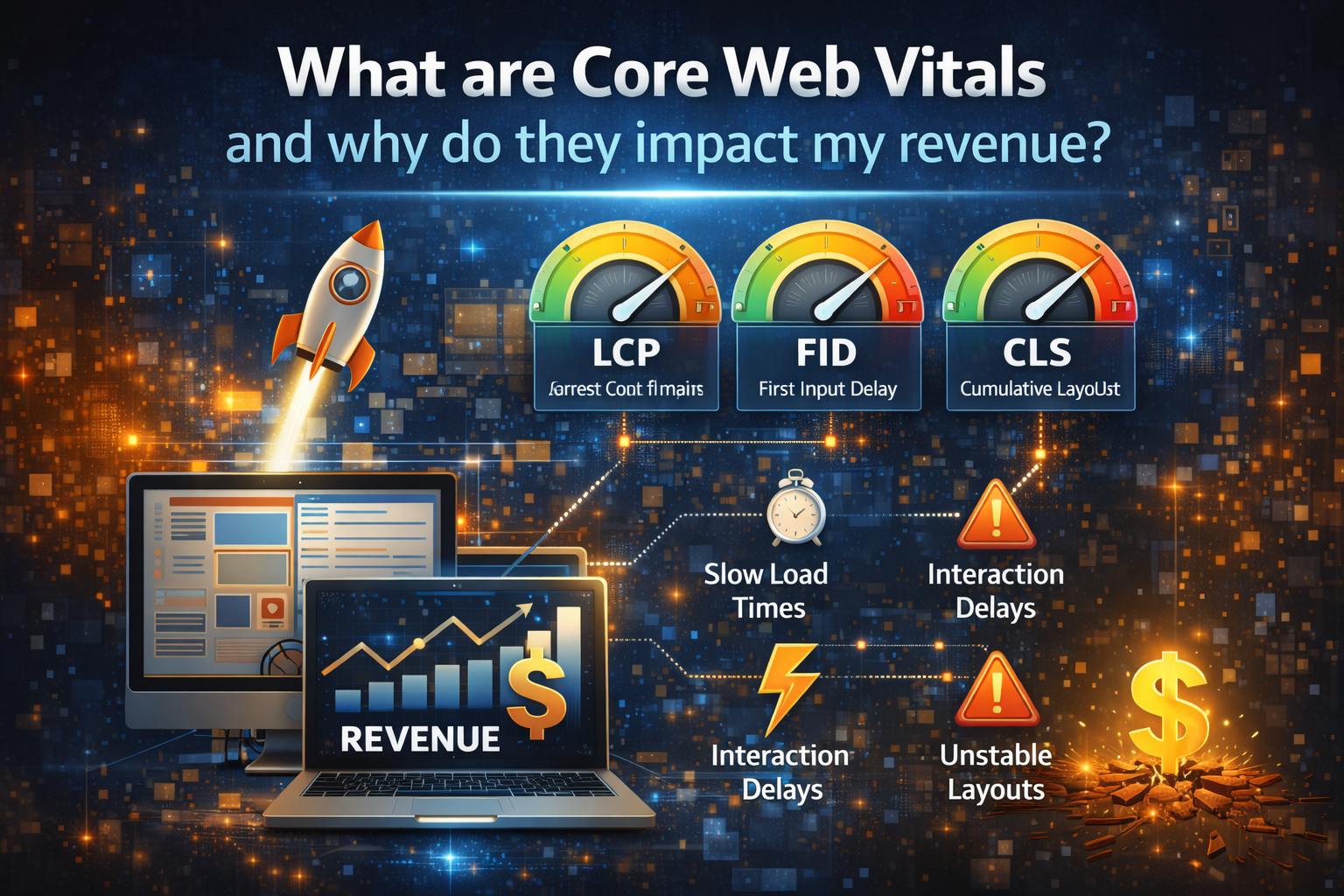
- The three metrics that matter: LCP, INP, CLS
- How CWV turns into revenue: the friction chain
- Where CWV hurts revenue most: lead gen, eCommerce, and high-ticket sales
- Do Core Web Vitals impact SEO rankings?
- Do Core Web Vitals impact Google Ads and Meta ads performance?
- How to measure Core Web Vitals correctly
- What to fix first: the 80/20 prioritization model
- Fixes for LCP: make pages feel fast
- Fixes for INP: make pages feel responsive
- Fixes for CLS: stop layout shifting and mistrust
- Common mistakes that waste time and do not move revenue
- How to report CWV to executives in business language
- A 30-day roadmap to improve CWV and protect upside
- Related spokes and next steps
- External authority references
- FAQ
Direct answer: why Core Web Vitals impact revenue
Direct Answer: Core Web Vitals impact revenue because they reduce or increase friction in the buying journey. Faster, stable, responsive pages keep more users engaged, improve conversion rates, protect paid spend, and support competitive SEO performance over time.
Revenue is a math problem. When your pages lose fewer people, you earn more from the same traffic. Therefore, even modest improvements can produce measurable upside. Additionally, when pages feel trustworthy, buyers move forward faster. Consequently, your marketing system becomes more efficient.
What Core Web Vitals are (in plain English)
Direct Answer: Core Web Vitals are user-experience metrics that measure how fast a page feels, how quickly it responds to interaction, and how stable the layout remains while loading.
Core Web Vitals do not measure “design quality” or “how pretty a site looks.” Instead, they measure experience reliability. That matters because buyers interpret reliability as competence. Therefore, experience quality influences trust, which influences action.
Think of Core Web Vitals like this:
- Speed: does the important content appear quickly?
- Responsiveness: does the page react immediately when users tap or click?
- Stability: does the page stay still, or does it jump around?
When those three feel good, users feel in control. Consequently, they complete forms, calls, bookings, and purchases more often.
The three metrics that matter: LCP, INP, CLS
Direct Answer: The primary Core Web Vitals metrics are LCP (largest content loads), INP (interaction responsiveness), and CLS (layout stability), and each one maps to a specific revenue leak.
LCP: Largest Contentful Paint (how fast the page feels)
LCP measures when the largest main element becomes visible. In many cases, that element is the hero image, headline block, or primary content area. Therefore, LCP is about perceived load speed, not just technical load completion.
When LCP is slow, users feel uncertainty. Then they hesitate. As a result, they bounce earlier, especially on mobile.
INP: Interaction to Next Paint (how responsive the page feels)
INP measures how quickly the page responds after a user interacts. For example, users click a menu, open an accordion, submit a form, or tap a button. If the page “freezes,” they mistrust it. Consequently, they abandon.
In 2026, INP matters because sites often use heavy scripts, tags, and animations. Therefore, responsiveness becomes a competitive advantage.
CLS: Cumulative Layout Shift (how stable the page feels)
CLS measures how much the page layout moves while loading. If text jumps, buttons shift, or images push content down, users misclick and lose confidence. As a result, conversion rates drop, even if traffic increases.
CLS often looks like a “design bug,” but it behaves like a trust tax. Therefore, fixing CLS protects revenue.
How CWV turns into revenue: the friction chain
Direct Answer: Core Web Vitals affect revenue by changing user behavior: slower or unstable pages increase bounce, reduce engagement, lower conversion rates, and waste paid clicks, while strong CWV improves the percentage of traffic that becomes leads and sales.
Here is the simplest way to connect CWV to revenue:
- Experience quality changes attention. If a page feels slow, users leave.
- Attention changes engagement. If users stay, they scroll, click, and read.
- Engagement changes conversion rate. If users act, you capture leads.
- Conversion rate changes ROI. Higher conversion rates reduce cost per lead.
- Lower CPL improves scale. When it costs less, you can spend more profitably.
Therefore, CWV improvements often create a compounding loop: better experience → better conversion efficiency → more budget flexibility → more growth.
Why CWV affects trust, not just speed
Buyers use micro-signals to judge a business. If a site feels unstable, they assume operations are unstable. If a form lags, they assume follow-up will lag. Consequently, they choose a competitor. Therefore, CWV is part of brand credibility.
Where CWV hurts revenue most: lead gen, eCommerce, and high-ticket sales
Direct Answer: Core Web Vitals hurt revenue most on mobile landing pages, lead forms, booking flows, product pages, and service pages where buyers decide quickly and friction causes abandonment.
Lead generation sites
Lead gen depends on micro-commitments: scroll, trust, read, click, fill, submit. When CWV is weak, those micro-commitments fail more often. Therefore, your cost per lead rises even if your traffic holds steady.
Common lead-gen revenue leaks tied to CWV:
- Users bounce before your offer becomes clear (slow LCP).
- Users try to click “Call” or “Book,” but the site lags (bad INP).
- Users misclick because the CTA shifts (bad CLS).
- Users abandon multi-step forms because each step feels slow.
eCommerce sites
eCommerce journeys magnify friction. Each delay compounds. Therefore, CWV improvements often boost cart adds and checkout completion.
High-ticket B2B and service businesses
High-ticket buyers often do deep research. However, they still make quick judgments about reliability. If a site feels “heavy,” they assume the business is not modern. Therefore, CWV protects perceived competence, which protects close rate.
Do Core Web Vitals impact SEO rankings?
Direct Answer: Core Web Vitals can influence SEO performance as part of overall page experience and competitiveness, especially when relevance is similar across competing results, and strong UX supports engagement and retention signals that align with user satisfaction.
Ranking depends on many factors. You should not expect CWV fixes alone to jump you to position one. However, CWV improvements can help in three important ways:
- They reduce bounce and increase engagement, which supports performance when users compare results.
- They improve competitiveness, especially in markets where many pages look similar.
- They stabilize outcomes, because better experiences reduce fragility during changes.
Therefore, CWV behaves like a “multiplier.” When your content and intent match are strong, better experience helps you keep and grow results.
This also connects to volatility management in the Command Center: How do I reduce SEO volatility and protect upside?
Do Core Web Vitals impact Google Ads and Meta ads performance?
Direct Answer: Yes. Core Web Vitals affect paid performance because landing page speed, stability, and responsiveness change conversion rates and waste less spend, which improves effective CPA/CPL and scaling ability.
Paid traffic is the most expensive traffic. Therefore, friction hurts more. If your conversion rate drops by even a small amount because the page feels slow, you pay more per lead immediately. Consequently, scaling becomes harder.
Where CWV shows up in paid results
- Higher bounce from ad clicks: users expect instant clarity.
- Lower form completion rate: responsiveness affects multi-step flows.
- Lower call initiation rate: mobile tap-to-call must feel instant.
- Worse retargeting efficiency: fewer people reach engagement events.
Therefore, CWV is not only an SEO topic. It is a full-funnel ROI topic.
How to measure Core Web Vitals correctly
Direct Answer: Measure Core Web Vitals using real user data for truth and lab tools for diagnosis, then segment by page type and device because CWV problems concentrate on specific templates and mobile traffic.
Measurement mistakes create confusion. Therefore, you need two views:
- Real user data: what your users actually experience at scale.
- Lab testing: what a controlled test reveals for diagnosis.
Real user data tools
- Google Search Console page experience and CWV reports: a practical health view by URL group.
- Chrome UX Report (CrUX) style data: a reality check for real-world performance.
Lab tools for diagnosis
- PageSpeed Insights: quick lab checks and prioritized opportunities.
- Lighthouse: repeatable tests for pages and templates.
- WebPageTest: deeper waterfall and filmstrip diagnosis when needed.
How to segment CWV so it connects to revenue
Do not treat CWV as “sitewide.” Instead, segment by:
- Device: mobile vs desktop.
- Template: homepage, service page, blog, landing page, checkout.
- Traffic source: paid search, paid social, organic search, email.
Then connect those segments to outcomes: form submissions, calls, bookings, purchases, and qualified lead rate. Therefore, you build a business case that leadership understands.
If you also need conversion tracking governance, use this related spoke: How do I track SEO conversions in GA4?
What to fix first: the 80/20 prioritization model
Direct Answer: Fix Core Web Vitals by prioritizing the pages that drive conversions and paid spend first, then fix the template-level issues that affect the most URLs, because that produces the fastest ROI.
Many teams chase perfect scores. However, revenue responds to practical wins. Therefore, prioritize like this:
Priority 1: conversion-critical pages
- Top landing pages from ads
- Top organic service pages that generate leads
- Booking pages and forms
- Checkout and product pages if you sell online
Priority 2: template-level fixes
Templates create systemic issues. Therefore, once you identify a pattern, fix it at the template level so every page improves.
Priority 3: content-heavy pages that attract volume
High-traffic educational pages can still leak revenue if they introduce friction before users move into conversion pages. Therefore, optimize them enough to keep engagement stable.
Fixes for LCP: make pages feel fast
Direct Answer: Improve LCP by reducing render-blocking resources, optimizing images and fonts, improving server response time, and delivering the primary content faster on mobile.
LCP problems typically come from one of four areas: heavy images, slow server response, blocked rendering, or too many scripts. Therefore, you can fix LCP with targeted changes.
Fix 1: optimize hero images and above-the-fold media
- Use appropriately sized images for mobile, not desktop-size assets.
- Compress images aggressively without visible quality loss.
- Prefer modern formats when possible.
- Load non-critical images later so the hero loads first.
Fix 2: reduce render-blocking scripts and styles
- Delay non-essential third-party tags until after the main content loads.
- Remove unused scripts and plugins that add weight.
- Minimize layout-heavy features on landing pages that must convert.
Fix 3: improve server and caching behavior
- Use caching and a delivery strategy that reduces time to first byte.
- Reduce heavy database calls on high-traffic templates.
- Stabilize hosting so load time remains consistent during peak traffic.
Fix 4: prioritize your primary content
If your page loads sliders, popups, or heavy assets before the main value, users feel delay. Therefore, load the main message first, then load secondary elements after.
Fixes for INP: make pages feel responsive
Direct Answer: Improve INP by reducing JavaScript work on the main thread, limiting third-party tags, simplifying interactive components, and ensuring forms and menus respond instantly on mobile.
Users tolerate a slightly slower page if it feels responsive. However, users abandon when clicks do nothing. Therefore, INP is often a conversion lever.
Common causes of poor INP
- Too many third-party scripts running at once
- Heavy animation libraries and sliders
- Overloaded tag managers
- Complex theme features on every page
High-impact INP fixes
- Cut and delay tags: load analytics and chat widgets responsibly.
- Simplify landing pages: remove interactive clutter that does not improve conversion.
- Optimize forms: keep validation lightweight and user-friendly.
- Reduce long tasks: break up heavy scripts and reduce unnecessary work.
Therefore, treat INP as “interaction trust.” When clicks feel instant, users commit more easily.
Fixes for CLS: stop layout shifting and mistrust
Direct Answer: Improve CLS by reserving space for images and embeds, stabilizing font loading, avoiding late-loading banners above content, and preventing dynamic elements from pushing the page around.
CLS kills trust quietly. Users rarely say, “Your CLS is bad.” Instead, they say, “Your site feels janky,” or they simply leave. Therefore, CLS fixes protect conversions.
CLS fixes that usually work fast
- Reserve dimensions: define width and height for images and video embeds.
- Control banners: avoid inserting bars above content after load.
- Stabilize fonts: reduce font swapping that shifts text.
- Delay non-critical widgets: load chat widgets without shifting layout.
When the page stays stable, users trust the click path. Consequently, conversion rates improve.
Common mistakes that waste time and do not move revenue
Direct Answer: The most common CWV mistakes are chasing perfect scores, optimizing low-value pages first, keeping too many third-party scripts, and ignoring mobile and template-level fixes.
Mistake 1: chasing “100” instead of outcomes
Perfect lab scores do not guarantee revenue. Therefore, prioritize conversion pages and measurable lift in form completion or sales.
Mistake 2: optimizing pages that do not matter
Improving CWV on a low-traffic blog post might not move the business. Instead, fix the pages that receive paid clicks and high-intent organic traffic first.
Mistake 3: refusing to remove scripts
Third-party tags can destroy performance. However, teams keep them because “marketing needs them.” Therefore, apply governance: keep what proves value, remove what does not.
Mistake 4: ignoring mobile reality
Many sites look fast on desktop. However, buyers often arrive on mobile. Therefore, measure and optimize for mobile first.
How to report CWV to executives in business language
Direct Answer: Report Core Web Vitals by connecting page experience improvements to conversion rate, cost per lead, and revenue per session, while also tracking stability indicators like bounce rate and form completion.
Executives do not want a technical scoreboard. They want predictable outcomes. Therefore, report CWV using business KPIs.
Executive-ready CWV dashboard (simple version)
- Conversion rate by landing page type: paid vs organic.
- Cost per lead (or cost per purchase): before vs after fixes.
- Bounce rate and engagement: especially on mobile landing pages.
- Top template CWV health: pass/fail trend by template group.
- Converting landing pages count: proof of compounding efficiency.
If you need the executive KPI set, use: Which SEO KPIs should executives review monthly?
A 30-day roadmap to improve CWV and protect upside
Direct Answer: Improve Core Web Vitals in 30 days by auditing conversion-critical templates, cutting unnecessary scripts, optimizing above-the-fold media, stabilizing layout, and validating conversion lift with clean GA4 tracking.
Week 1: measure, segment, and pick targets
- Identify your top 5–10 landing pages by conversions and paid spend.
- Group them by template and device behavior.
- Establish baseline conversion rates and lead volume.
- Confirm tracking integrity in GA4 so you measure lift correctly.
Week 2: fix the fastest wins (usually LCP + CLS)
- Optimize hero images and above-the-fold assets.
- Reserve space for images and embeds to reduce CLS.
- Remove or delay heavy widgets that load early.
Week 3: fix responsiveness (INP) and form reliability
- Reduce third-party scripts and tag load timing.
- Simplify interactive features on landing pages.
- Test forms on mobile thoroughly.
Week 4: validate lift and systemize governance
- Compare conversion rate and CPL before vs after.
- Document what changed so you can repeat it on other templates.
- Create a lightweight “performance gate” for future changes.
After 30 days, you should see improved conversion efficiency. Additionally, you should see more stable engagement, which supports long-term growth.
Related spokes and next steps
Direct Answer: Use these related pages to connect performance improvements to audits, speed strategy, measurement, and broader stability controls.
- Back to Hub: The E-E-A-T & Technical Authority Pillar
- Related Spoke: Does site speed actually affect my search engine rankings?
- Related Spoke: What is a Technical SEO Audit and does my business need one?
- Related Spoke: How do I build high-authority backlinks without getting penalized?
- Related Spoke: How do I prove “Experience” to Google if I use AI to write content?
- Related Hub: The Modern SEO Results & ROI Command Center
- Related Spoke: How do I reduce SEO volatility and protect upside?
- Related Spoke: How do I track SEO conversions in GA4?
External authority references
Direct Answer: These non-competing references provide official guidance and practical tooling for measuring and improving Core Web Vitals.
- Web.dev: Core Web Vitals
- Google Search Central documentation
- PageSpeed Insights
- Google Search Console Help
FAQ
Do Core Web Vitals matter if my content is great?
Yes. Great content helps you earn attention, but weak experience can waste it. Therefore, CWV protects the value your content creates by reducing abandonment and increasing conversions.
What is the fastest CWV improvement that usually increases conversions?
Fixing slow above-the-fold loading and layout shift often delivers the fastest conversion lift. Additionally, reducing heavy scripts improves responsiveness, which protects form submissions on mobile.
Should I optimize every page?
No. Start with conversion-critical pages and template-level fixes. Then expand. Therefore, you get ROI quickly while improving the whole system over time.
Will improving CWV automatically increase rankings?
Not always. However, better CWV often improves competitiveness and engagement, which can support ranking improvements when relevance is strong. Therefore, treat CWV as a multiplier, not a shortcut.







